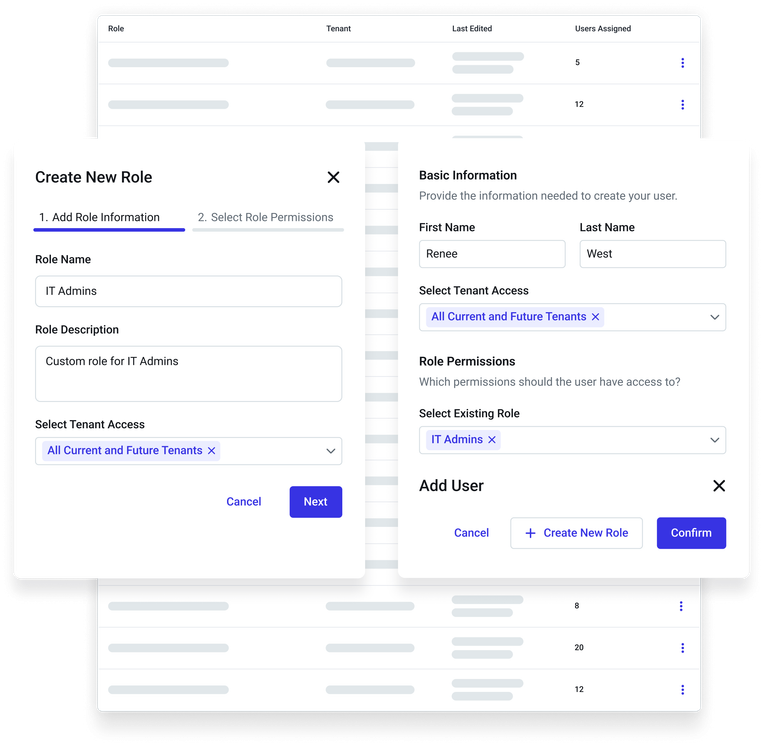
Portal administrators can now define and save custom user roles within the RBAC (Role-Based Access Control) framework, making it easier to manage access across large security teams. Saved roles can be reused for onboarding new users or updating existing ones, eliminating the need to manually recreate identical permission sets for each team member.
This update streamlines user management, improves consistency, and supports scalable access control across enterprise environments.
To create and assign new custom roles:
- Go to Settings > User Management
- Click Add User and + Create New Role
To monitor and manage roles:
- Go to Settings > User Management
- Click Roles