
Email DLP Rules
Enforce Email DLP With Greater Accuracy
The Challenge
Traditional Email DLP Can't Distinguish Violations From False Alarms
Why Abnormal
Other Solutions Can Find Matches. Abnormal Determines Whether They're Real Violations
Traditional Email DLP treats every pattern match as a verdict. Abnormal adds the context to distinguish real violations from false alarms.
Contextual Triage On Every Match
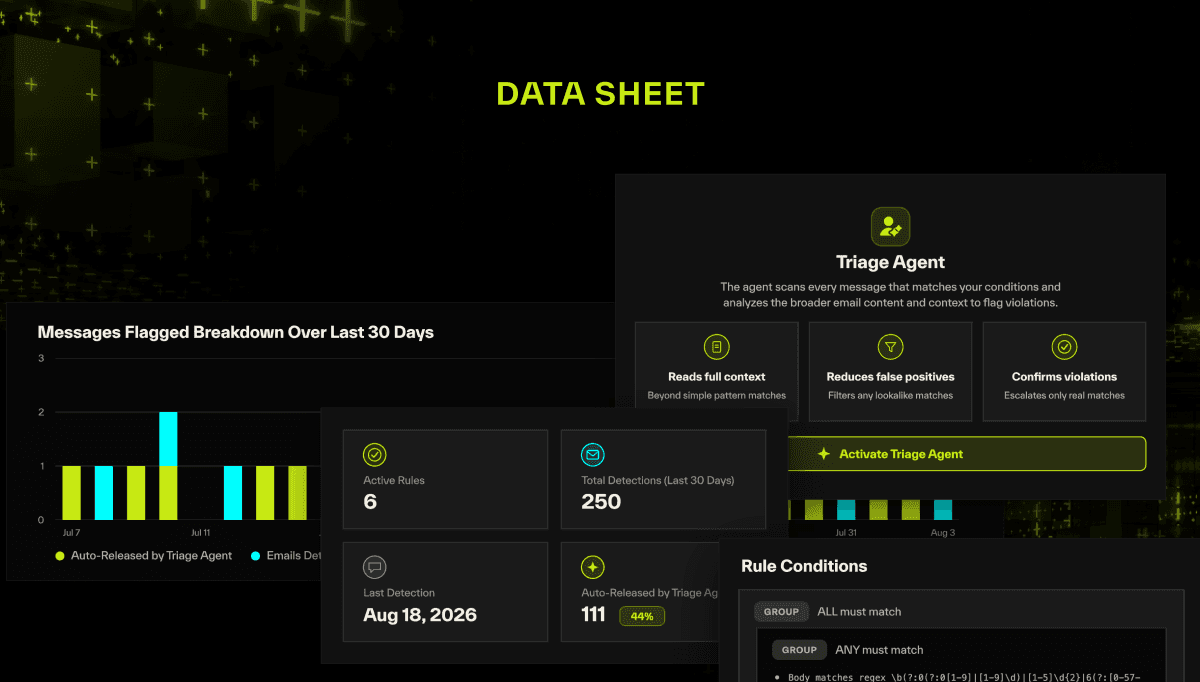
When a rule matches, the AI Triage Agent weighs policy intent, sender-recipient context, and message content before auto-releasing benign matches and quarantining likely violations.
Plain-Language Exception Management
Refine exceptions in plain language instead of nested regex. Instructions like “ignore emails from our HR system domain” are easy to express, and nearly impossible to capture with pattern matching alone.
Transparent, Auditable Reasoning
Every verdict includes clear reasoning: what triggered the rule, how context shaped the decision, and why the message was released or held.
Protection for Outbound Emails
Define, Validate, and Enforce Outbound Policy With Confidence
Custom DLP Rule Builder
Combines regex, phrase matching, metadata conditions, Boolean logic, and editable exclusions into custom outbound policies, built from scratch or from prebuilt regex templates.
AI Triage Agent
Reviews every flagged match against rule intent, sender-recipient relationship, and message content, auto-releasing benign messages and quarantining likely violations.
Plain-Language Exception Management
Lets users add, edit, or remove rule exclusions by describing them in plain language, capturing business nuance without brittle detection logic.
Rule-Based Attachment Scanning & OCR
Extends rules to supported attachments, including PDFs, images, Word, and Excel, catching sensitive data and screenshots that text-only rule matching misses.
Rule Validation
Tests verdicts against sample emails, with full reasoning, before a rule goes live.
Outbound Log & SOC Release
Logs every match, verdict, and reasoning trail in one place, with RBAC-controlled release for messages held in Microsoft quarantine.
Every Match, Weighed And Tracked
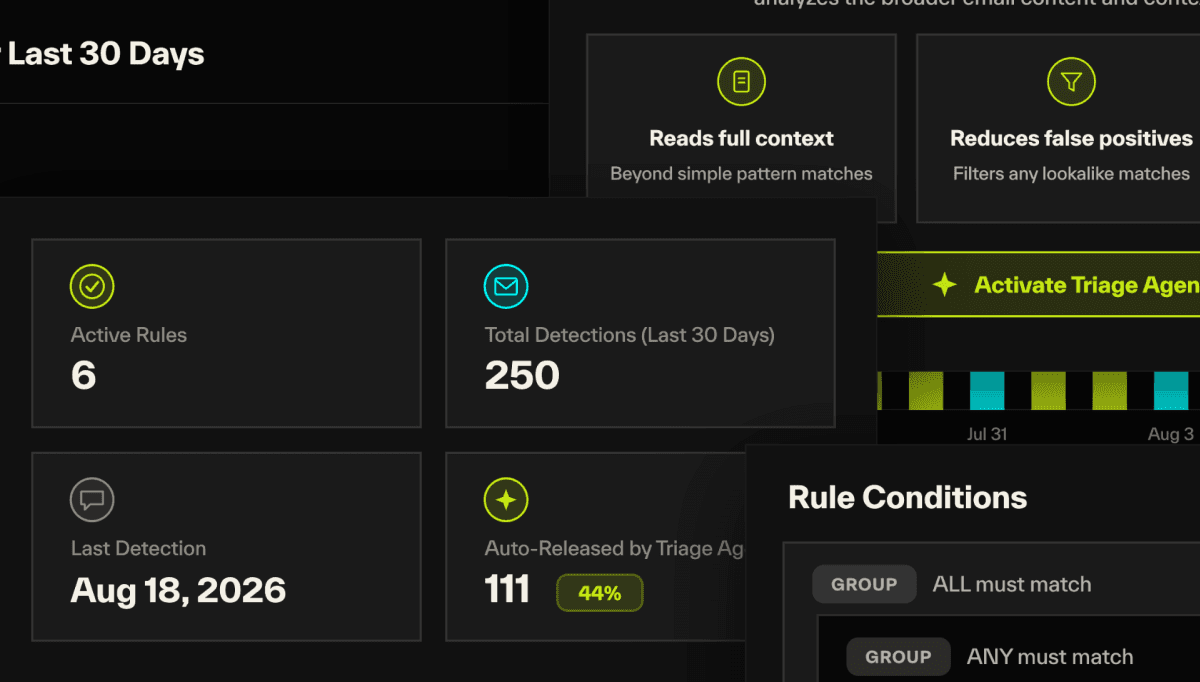
The Triage Agent weighs every match against policy intent and message context, releasing benign matches and holding likely violations for review. The rule dashboard tracks that split over time, comparing auto-released versus quarantined, so teams can see exactly how much manual review the agent removed.
Validate Detection Logic Before Enabling a Rule
While building a rule, teams see exactly how the Triage Agent interpreted their policy through a plain-language rule intention and editable exclusions. They can then validate verdicts against real .eml examples, tuning rules before launch, not after.
Enforce Protection At Your Own Pace
Teams can launch rules in passive mode, logging matches without taking action, then move to Active enforcement when ready. Rules can also roll out progressively by department or workflow, putting the pace of enforcement in the customer's hands.
Customer Voice
What Security Leaders Say
“Abnormal's automation gives our analysts time back to work on other projects, and the fact that it's API-based gives us flexibility to tie in other applications and their data.”

John Roeser
Senior Manager, Information Security, Domino's
“Our goals are to get away from being so reliant on human judgment and leverage AI to be proactive. Abnormal helps us with those goals.”

Corey Kaemming
Senior Director, Information Security, Valvoline
Abnormal powers 5,000 customers, including 30% of the Fortune 500.
Related Resources

See Email DLP Rules in Action
See how contextual AI turns every DLP match into a clear, auditable verdict.