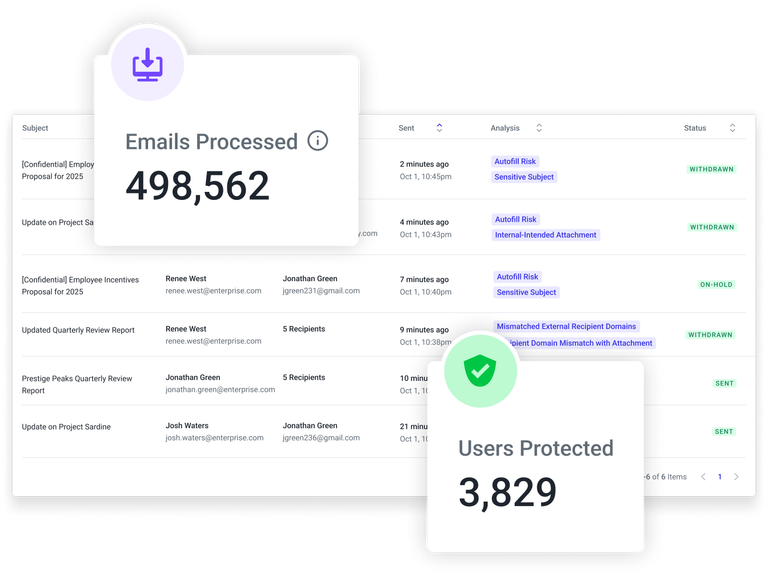
We’ve updated the Misdirected Email Prevention Outbound Log to display how many outbound emails Abnormal has processed in the last 30 days. This gives admins an at-a-glance view of outbound volume to quickly quantify coverage and interpret detections in context.
Why it matters
Quantify coverage quickly: Understand how much outbound traffic Abnormal is inspecting to validate that key mail flows are in scope.
Interpret detections in context: Evaluate misdirected email alerts against overall outbound volume to determine whether activity is expected or anomalous.
Support reporting and reviews: Use the volume metric during security reviews, audits, and stakeholder updates to demonstrate visibility into outbound risk.
Where to find it
Go to Misdirected Email Prevention in the Abnormal Portal.
Open the Outbound Log.
The 30-day outbound volume metric appears at the top of the log, alongside existing filters and summary information.