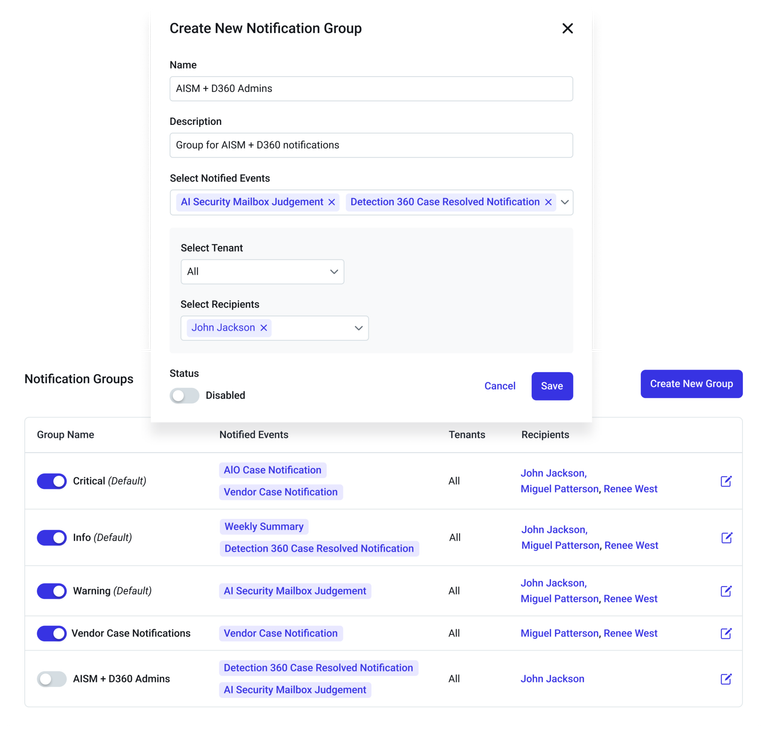
Admins will be able to manage alert recipients by tenant and severity level using Notification Groups, giving them more control over how notifications are routed. Default Groups (Critical, Warning, Info) offer fast setup and automatically include new event types, while Custom Groups allow for tailored alert delivery by team or use case. This update helps reduce noise, streamline alert management, and ensure the right messages reach the right teams.
To manage notifications:
- Go to Settings > Notifications