Attack Overview
Step 1: Phishing Email with Fake RFP Invitation
The campaign begins with an email impersonating a formal Request for Proposal (RFP). The message includes a link labeled as a PDF preview and invites the recipient to submit a bid. The language is professional, and the message passes sender authentication checks.
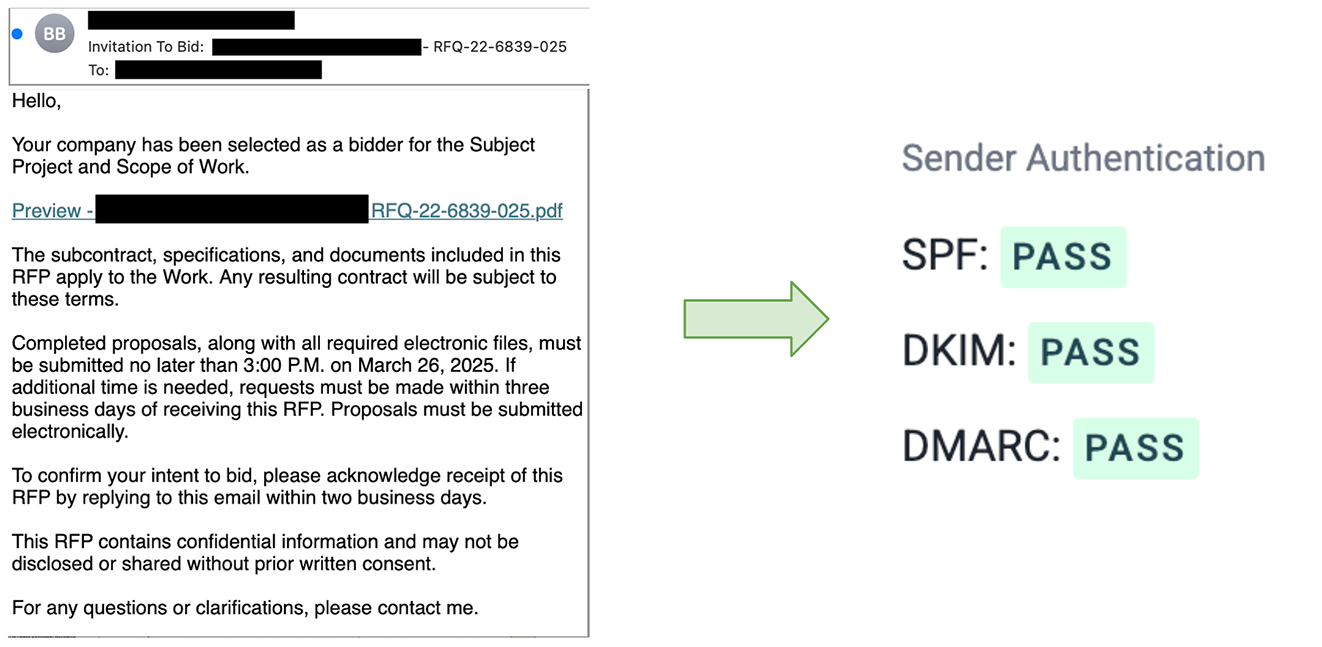
- Sent from a verified domain with SPF, DKIM, and DMARC passing.
- RFP and bidding language aligns with legitimate business workflows.
- PDF preview link adds a sense of legitimacy and urgency.
Step 2: Box-Themed Decoy Page
The PDF preview link opens a spoofed Box login page. This serves as a decoy that looks like a secure document sharing prompt but is only the first step in the attack chain.
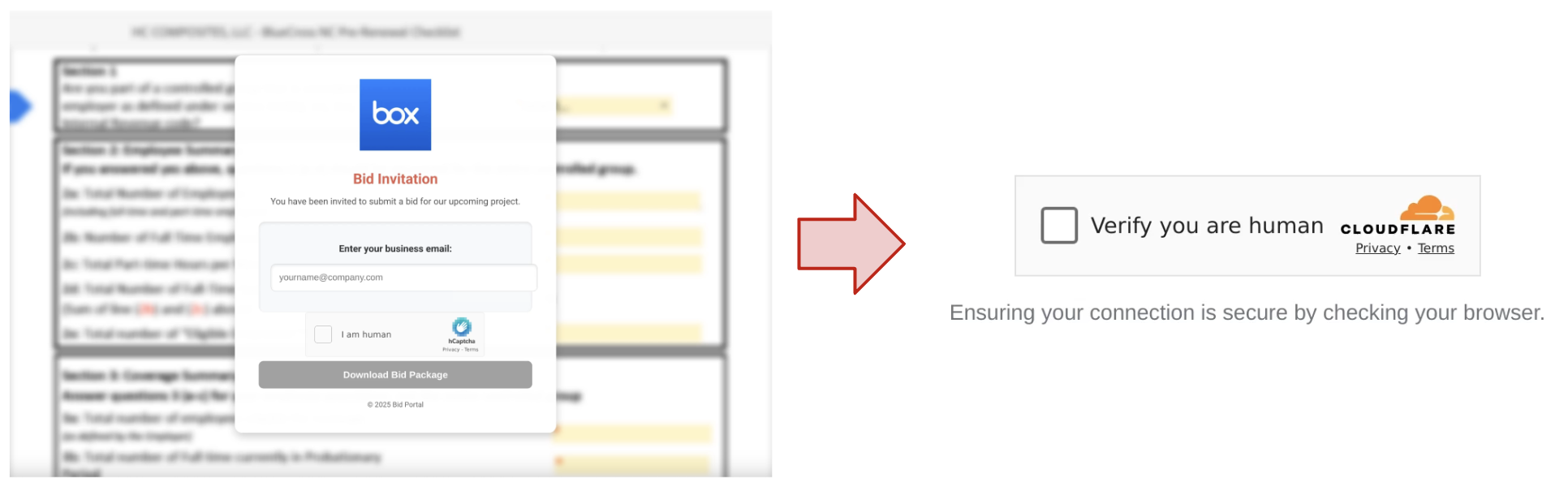
- Branding mimics Box login portal.
- Hosted on a high-reputation domain previously used for real content.
- Uses Cloudflare Turnstile protection to avoid automated security scans.
Step 3: Redirection to Microsoft Phishing Page
After a short delay, the Box-themed page redirects users to a fake Microsoft login screen. Targets are prompted to enter their credentials, which are then harvested by the attacker.
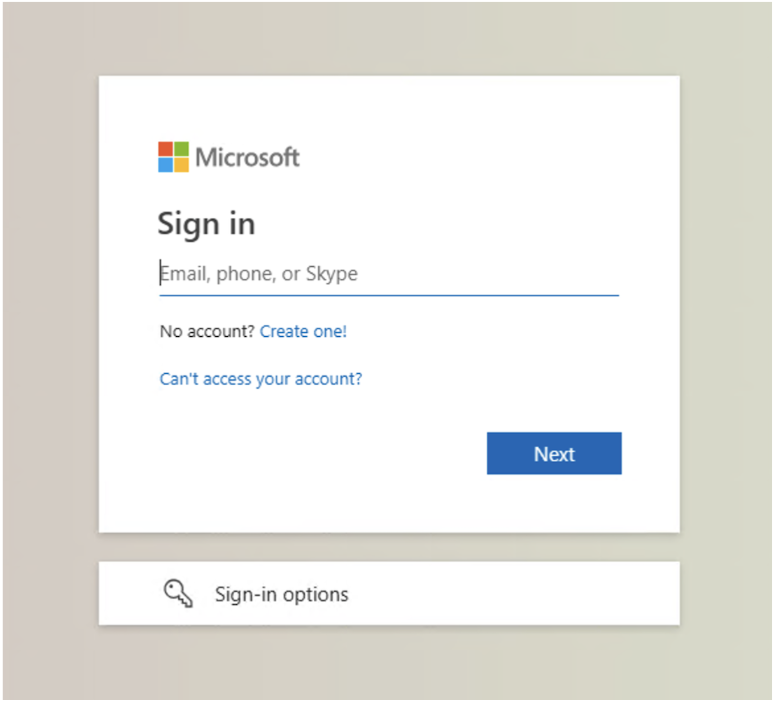
- Microsoft branding is used to increase credibility.
- No unusual behavior visible to the user.
- Final phishing page designed to bypass MFA via token/session reuse.
How Does This Attack Bypass Email Defenses?
This email attack bypasses traditional security solutions for several reasons, including:
- Originates from a trusted, verified sender domain.
- Hosted on a clean domain with prior reputation.
- Cloudflare Turnstile blocks URL scanners from identifying the final destination.
How Did Abnormal Detect This Attack?
This attack was detected using AI and ML by analyzing various factors, including:
- Behavioral anomalies like new sender patterns and credential prompts.
- Language indicating financial urgency and document-based engagement.
- NLP and URL structure indicating credential phishing attempts.
By recognizing established normal behavior and detecting these abnormal indicators, a modern email security solution has the ability to prevent this attack from reaching inboxes.
Please note the exact detection mechanism from Abnormal Security's system might include proprietary techniques and methodologies not disclosed here.
